iPhone・iPad・Android の練習プレーヤー

聞こえるまで、
何度でも。

耳コピと楽器の練習のためのプレーヤーです。持っている音声ファイル・動画の音・録音を取りこみ、音程を変えずに遅くして、波形の上で選んだ所を繰り返し聴けます。

App Store・Google Play で配信予定

買い切りで全部の機能が使えます。アプリ内課金・サブスクリプション・広告はありません。
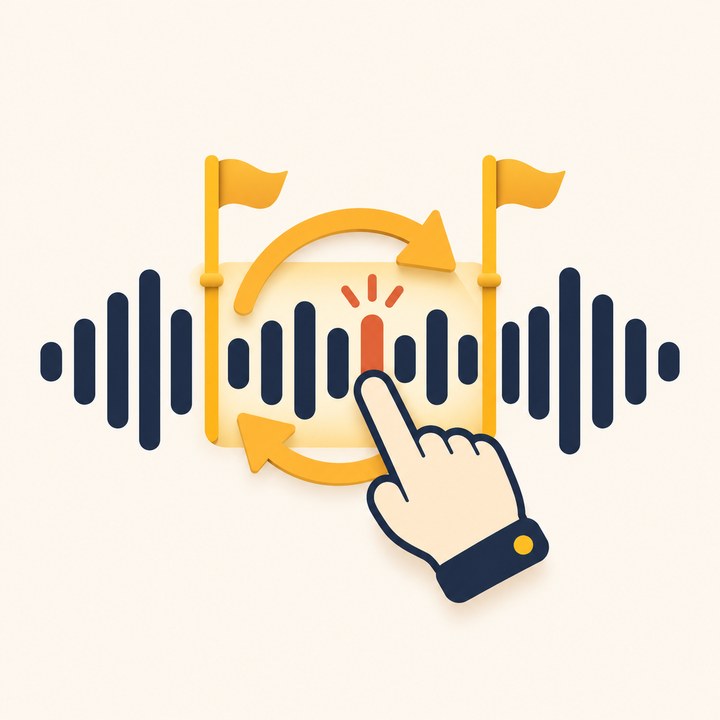
波形の一部を選んで繰り返すイラスト

こんな困りごとのために

速いフレーズが聞き取れない

速さ 0.25〜1.5 倍。遅くしても音程は変わりません。

同じ所を何度も探すのが面倒

波形を押して A と B。名前を付けたループを曲ごとにいくつでも。

キーを変えて合わせたい

音程 ±12 半音、セントでチューニングのずれも合わせられます。

少しずつ元の速さに近づけたい

だんだん速く: ループのたびに決めた分だけ速くします。

買ったのに復元できない

ききうつしは買い切りで、アプリ内課金がありません。

続きから練習したい

曲ごとに場所・速さ・音程・ループを覚えます。

できること

速さ・音程0.25〜1.5 倍(0.05 刻み)・±12 半音・セント
ループ波形で A と B・名前つきで複数・マーカーに吸いつく・繰り返しの間・カウントイン
練習だんだん速く・±5 秒・イヤホンとロック画面の操作
取りこみファイル App の音声(mp3・m4a・wav・aiff・flac)・写真の動画の音・録音
データiCloud Drive の毎日の控え・アカウントなし・解析と広告なし

Apple Music などの配信の曲(コピー防止つき)は取りこめません。

使い方・プライバシーポリシー・利用規約もご覧ください。

Practice player for iPhone, iPad and Android

Play it again
until you hear it.

A player for learning songs by ear and practicing your instrument. Import audio files you own, the sound from videos or a recording, slow it down without changing pitch, and loop the part you pick on the waveform.

Coming to the App Store and Google Play

One purchase unlocks everything. No in-app purchases, no subscriptions, no ads.

Illustration of looping part of a waveform

Made for these problems

Fast phrases are hard to catch

Speed from 0.25x to 1.5x. Slowing down never changes the pitch.

Finding the same spot again and again

Tap the waveform to set A and B. Save as many named loops per song as you need.

Playing in a different key

Pitch up or down 12 semitones, with cents for tuning differences.

Working back up to full speed

Speed trainer: each pass gets a little faster, as much as you choose.

Purchases that won't restore

Kikiutsushi is a one-time purchase with no in-app purchases.

Picking up where you left off

Each song remembers its position, speed, pitch and loops.

What it does

Speed & pitch0.25x to 1.5x in 0.05 steps, ±12 semitones, cents
LoopsA and B on the waveform, multiple named loops, snap to markers, gap, count-in
PracticeSpeed trainer, ±5 seconds, earphone and Lock Screen controls
ImportAudio from the Files app (mp3, m4a, wav, aiff, flac), sound from videos in Photos, recordings
DataDaily backup to iCloud Drive, no account, no analytics or ads

Songs from streaming services such as Apple Music (copy-protected) can't be imported.

See also Help, the Privacy Policy and the Terms of Use.